

Get library info
List and search libraries (v2beta1)
This method allows you to search for target libraries on your domain with string queries (including quoted phrases) as well as several parameters to help narrow the scope. Without them, what comes back in the response is the full list of libraries available to you.
GET
List and search libraries (v2beta1)
Method and API
Play with the API Explorer:GET /search/v2beta1/search
Usage/notes/guidelines
The search can be conducted without any parameters, returning all libraries that you are authorized to access, in an undefined order.Request
Several useful parameters are available to help narrow the search.Request parameters of note
string
The
query query parameter is what ultimately determines what results come back, filtering them on a text string. You can search for the following:- a word (like blue)
- several words in any order (document big blue)
- an exact phrase (“big blue document” — two or more words in exact order in double quotes)
- an inexact phrase (~“big blue document” — exact phrase but allowing for common variants of its constituent words, like bigger, blues, and documenting)
- a substring of characters in a word (only at the prefix position, e.g. docu)
- a library ID (equivalent of get library)
Note:The double quotes return only adjacent words in a phrase. For example, if your document is called big blue document, then sending “big blue” or “blue document” (with the double quotes) as a phrase in the
query query parameter finds big blue document, but sending “big document” as a phrase does not.boolean
By default, you receive a response containing no more information than you need. If you are a domain administrator (superadmin), you can change the
userSuperAdminAccess’s default value of false to true to elevate your privileges to return libraries accessible to all domain administrators.string
Use this flag if you want to have access to libraries you are at least an
ADMIN of. For example, if you want to know which libraries you’re authorized to import content into, then you don’t want to consider libraries you only have READER privileges for (since you can’t import at that level).string
You can specify which of the three types of libraries you get in the response in any combination. Specifying none is the same as specifying all.
string
You can either request results from all storage accounts available to you, or you can specify one storage account at a time.
array of strings
When you list all libraries in the UI, you can see a list of labels in the left panel ordered alphabetically. With this parameter, you can request libraries by label, including several at a time.
boolean
If set to
true, returns just this user’s favorite libraries.string
You can either get your results ordered arbitrarily, or you can use this parameter to sort your results by one and only one of the following:
NAME(ascending)LAST_ACCESSED(descending)TASK_COUNT(descending)FAVORITE_FIRST
Note:The
orderBy parameter bears a performance penalty and has a limit of 10,000 results. Check the incompleteResults flag in the response.integer
(default:
20)You can choose an arbitrary number of results to display, up to 1000.boolean
(default:
false)If you don’t specify this parameter, the result will contain a totalResultCount field that is an estimate of the total number of results matching your query (not only for the current page). The estimatedResultCount field in the response will be set to true.This is the default behavior: the query is usually much faster when all it has to do is estimate the total number of results (instead of counting). The downside is that it’s just an estimate — within about an order of magnitude — so the higher the values, the more significant the divergence.If requirePreciseResults is set to true, then up to 25,000 results, the response’s totalResultCount will contain the exact number of results that match your initial request, and beyond that, it’ll contain an estimate. The estimatedResultCount will be set to true in either case.string
(default:
nothing)If you want information in addition to the default nothing setting, change the include parameter to one of the following:STATISTICS(only for domain administrators)LABELSIS_FAVORITELAST_ACCESSEDTASK_COUNT
Note:There are some performance costs associated with each of these values, and the more of them are included, the more the performance degrades.
string
This parameter is used for pagination purposes. If you need to request the next page of results, populate this parameter with the value of the
nextPageToken from the last response (keeping all other parameter values exactly the same).Sample request (no parameters: list all)
name and id.
Sample request (specific search)
Responses
The response returns an ApiLibrarySearchResultList resource, listing all libraries which are accessible to you on the domain and which match the specified query (no query means “all”). Take note of thelibraryId of your target library. The library ID is one of the most commonly used identifiers in the AODocs APIs.
Additional fields to note:
name(of the library)defaultDocumentType(the library’s default class ID)rootFolderId(the ID of the topmost level of the library’s hierarchy)favorited(whether or not the library is starred as a favorite)- any other fields of interest
List libraries and find libraryId in UI
You can also locate the libraryId of your target library inside the AODocs UI. Go to your homepage > My libraries by clicking on the “My libraries” link in the upper left corner of most pages:
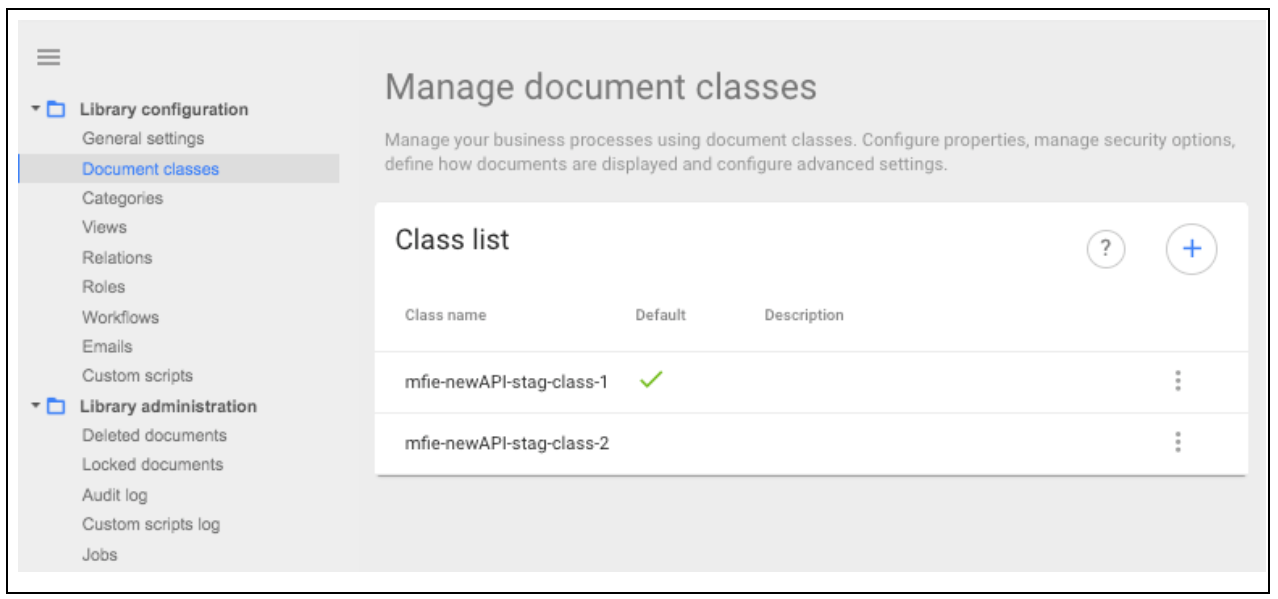
LibraryId_ (up to and excluding the next slash):
/LibraryId_<libraryId>
Example
/LibraryId_RnTG8PD8u8ZqTuDVHcv
Learn more about navigating homepages inside your AODocs and specific libraries.