

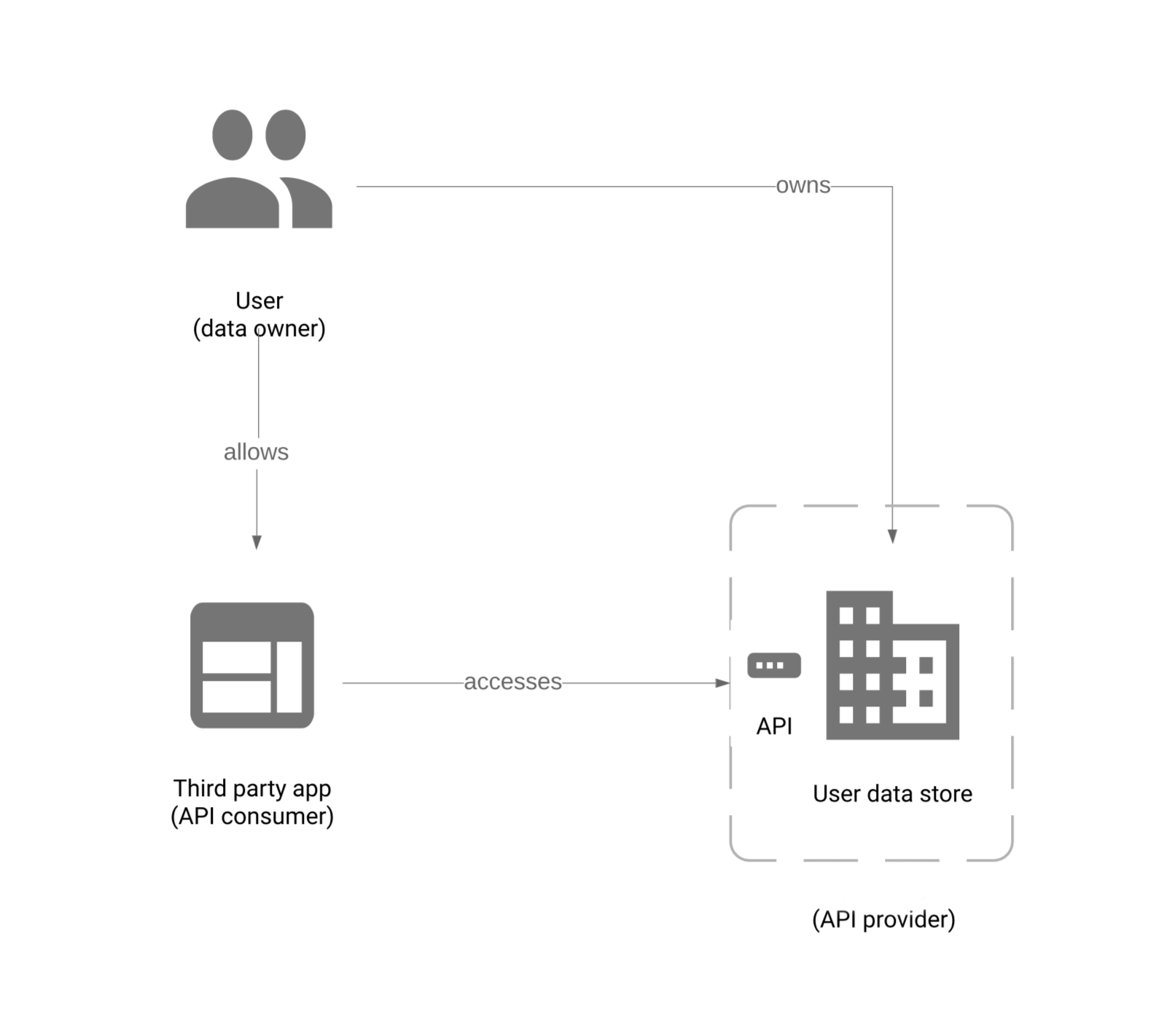
Figure: Auth model
Available authentication mechanisms
You can gain credentials to be authenticated with AODocs APIs in two ways, depending on your circumstances and needs:- AODocs security code (quickest for internal testing, but least secure) that is a mechanism specific to the AODocs API
- Bearer tokens (in OAuth 2.0 or JWT format) that are issued by Google or Microsoft and can be used to authenticate with the AODocs API (Google-issued tokens can additionally be used for any other Google-compatible API)
Security code
This is the custom system created by AODocs for the purposes of quick internal testing and similar use-cases behind your firewall. If you don’t need access to Google Drive APIs, this is the quickest way to get started. Read more about how to access APIs with AODocs security code.Bearer tokens (access or ID tokens)
Access or ID tokens sent in the request header are the robust, secure mechanism to authenticate with AODocs APIs and consequently gain access to both AODocs and Google Drive APIs. Obtaining access tokens takes more work with more server calls, but they can also have authorization scopes, like access to Drive or Gmail APIs; meanwhile, ID tokens are self-contained and can be verified in place, but they only convey the identity of the user it was issued for. AODocs also accepts Microsoft Entra ID tokens (v1.0 and v2.0). Like Google ID tokens, they grant access to AODocs APIs only — they cannot be used to call Google Drive APIs.Note:Unlike the plug-and-play functionality of the AODocs security code, bearer tokens require pre-registration with AODocs — GCP client IDs for Google tokens, and Microsoft tenants/applications for Microsoft tokens.
What to use when
There are several distinct use cases for authenticating and authorizing API access with AODocs, each with its own requirements and approaches. The quickest way to get started is with the security code method, but it can be used only on AODocs APIs, not Google Drive APIs. If you need to interact with the Google Drive API as well as the AODocs API, you have to use an access token that authorizes access via at least one Drive scope . The AODocs API only requires the identity scope “https://www.googleapis.com/auth/userinfo.email ” in access tokens. Finally, if you need robust and secure access to AODocs APIs-only (without being able to access Drive APIs), you have the option of ID tokens. If your users authenticate against Microsoft Entra instead of Google Workspace, use a Microsoft ID token. This covers AODocs APIs (and the AODocs object-storage service) but not Google Drive.General principles
Make sure you provide to your users a level of API access that is functional but least-elevated possible, raising their level temporarily only when necessary.Note:Because of risk-benefit ratios, giving users more permissions than they actually need is rarely recommended. Therefore, for security reasons, we strongly encourage the use of the lowest possible levels of access, in this case user-level.