

Folder ID
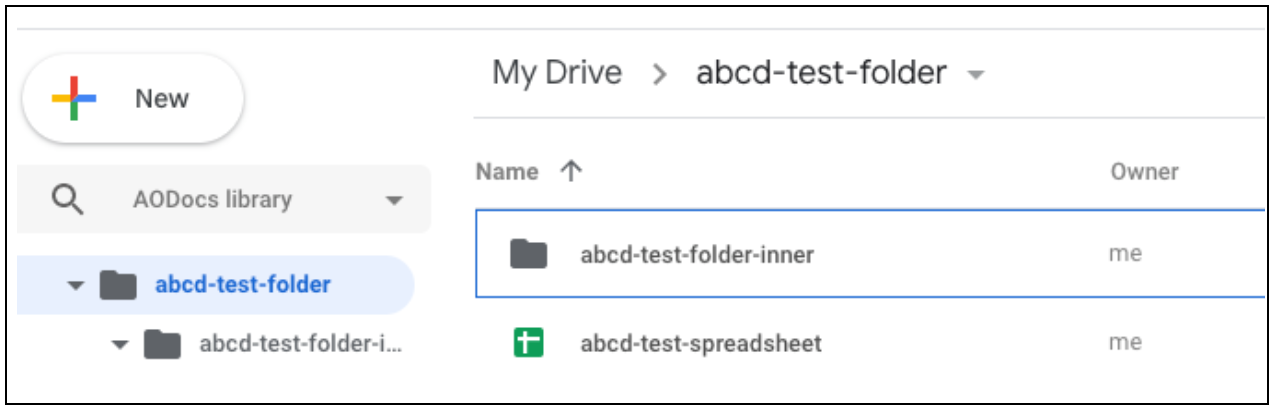
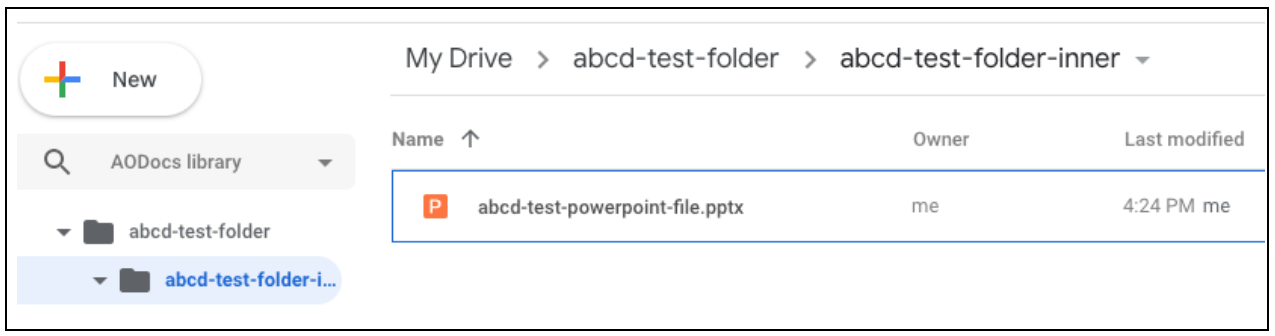
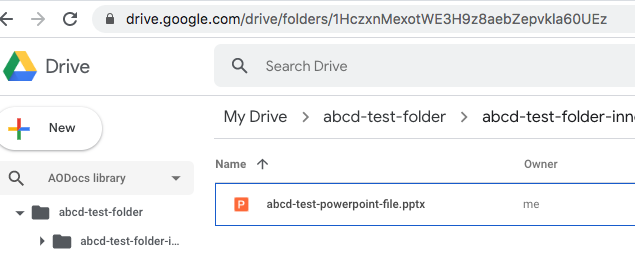
In Drive, files and folders are identified by their individual IDs. When the URL says something like/drive/folders/**1HczxnMexotWE3H9z8aebZepvkla60UEzz**, the long string of numbers and letters refers to the current Drive folder ID:
File ID
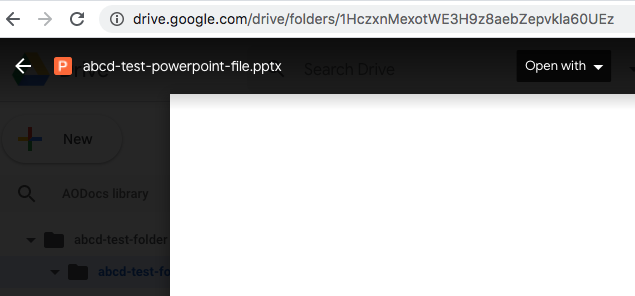
To get the URL to display the file ID of the file that’s currently open, click on the More options” menu (⁝), then on “Open in new window”: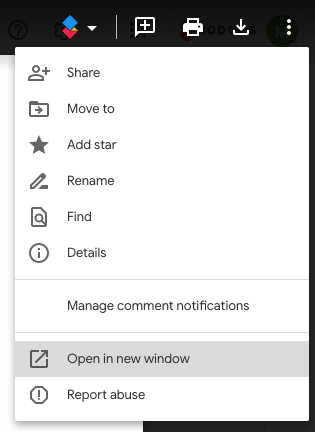
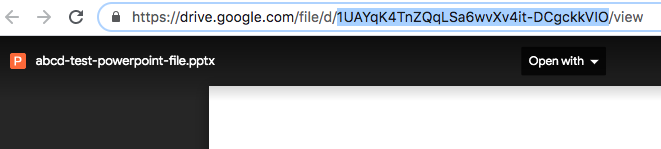
Note:Certain Drive files such as Google Forms require an additional step of clicking on
Edit (pencil icon usually in the bottom right of the page) and open the file in yet another view. Only then does the URL display the proper file ID.Note:If you’re familiar with the Drive API, the file ID is the ID of the File resource.